Web-based SCADA
Monitor your plant from the browser
2WinScada collects data from your devices and runs on a server at your site. Live monitoring, alarms, historical data and energy consumption in one browser interface.
- Runs at your site
- Used in the browser
- Developed and supported in Türkiye
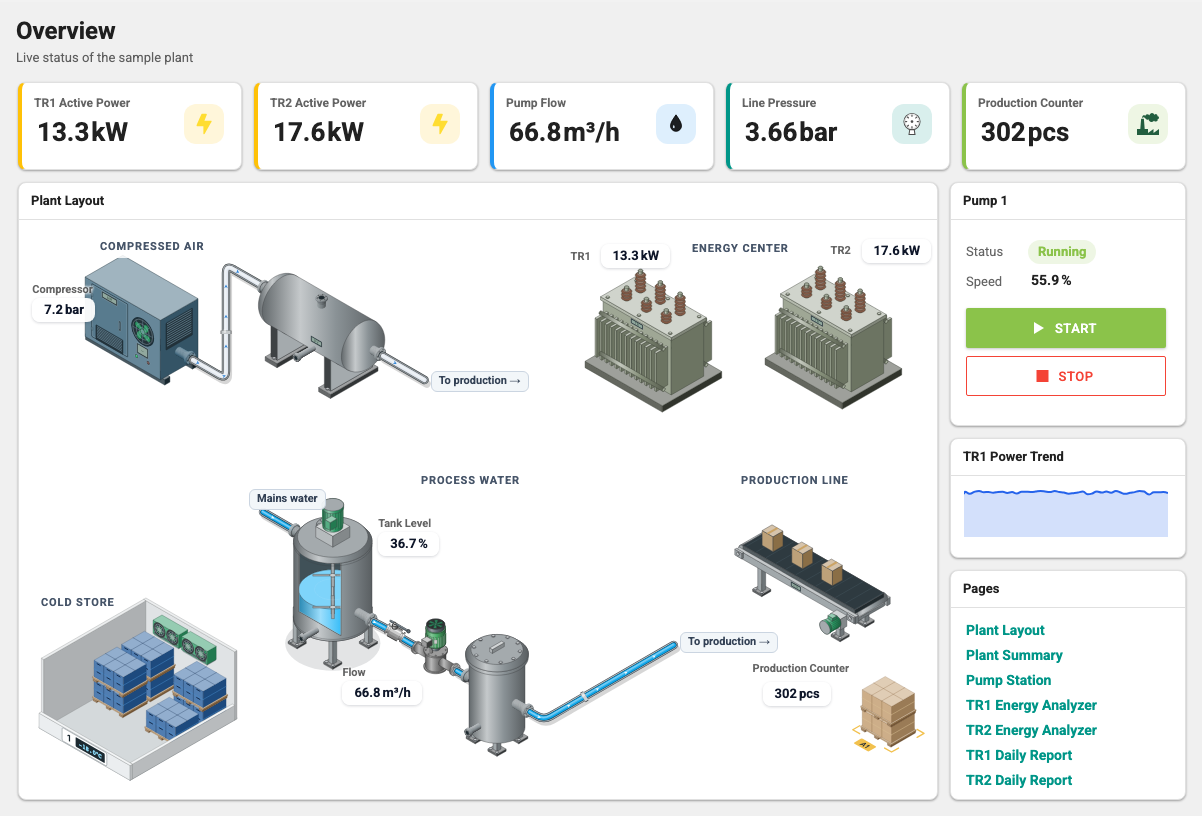
Video: live values on the sample project's Overview; STOP stops the pump and flow and pressure fall; START runs it again; the valve position is changed on the Pump Station page; the TR1 Energy Analyzer shows live power and consumption; the TR1 Daily Report compares hourly consumption with the previous period. Real product screen, simulated data, no sound.
Browser access, on-site operation
- Operators and managers use a web browser; no program is installed on user computers.
- The license is activated without an internet connection, by exchanging files; it also works at sites with no internet access.
- Features that use an external service, such as WhatsApp and AI clients, need a connection to that service.
- Your devices Data is collected from the devices.
- 2WinScada server A Windows server at your site; live values, alarms and the archive.
- Web browser Operators and managers; no extra program to install.
Monitoring, alarms, historical data and energy
Live monitoring
Monitor your plant live: real-time values, device states and screens built for your project.

Alarms and notifications
Define alarms, review their history and get email notifications. Depending on the package, SMS and WhatsApp notifications are available too; WhatsApp also needs a Meta account, an approved message template and the recipient's consent.
- Alarm definition Created by users with the matching role.
- Notification Email; SMS and WhatsApp depending on your package.
- Alarm history and acknowledgment
Historical data and energy consumption
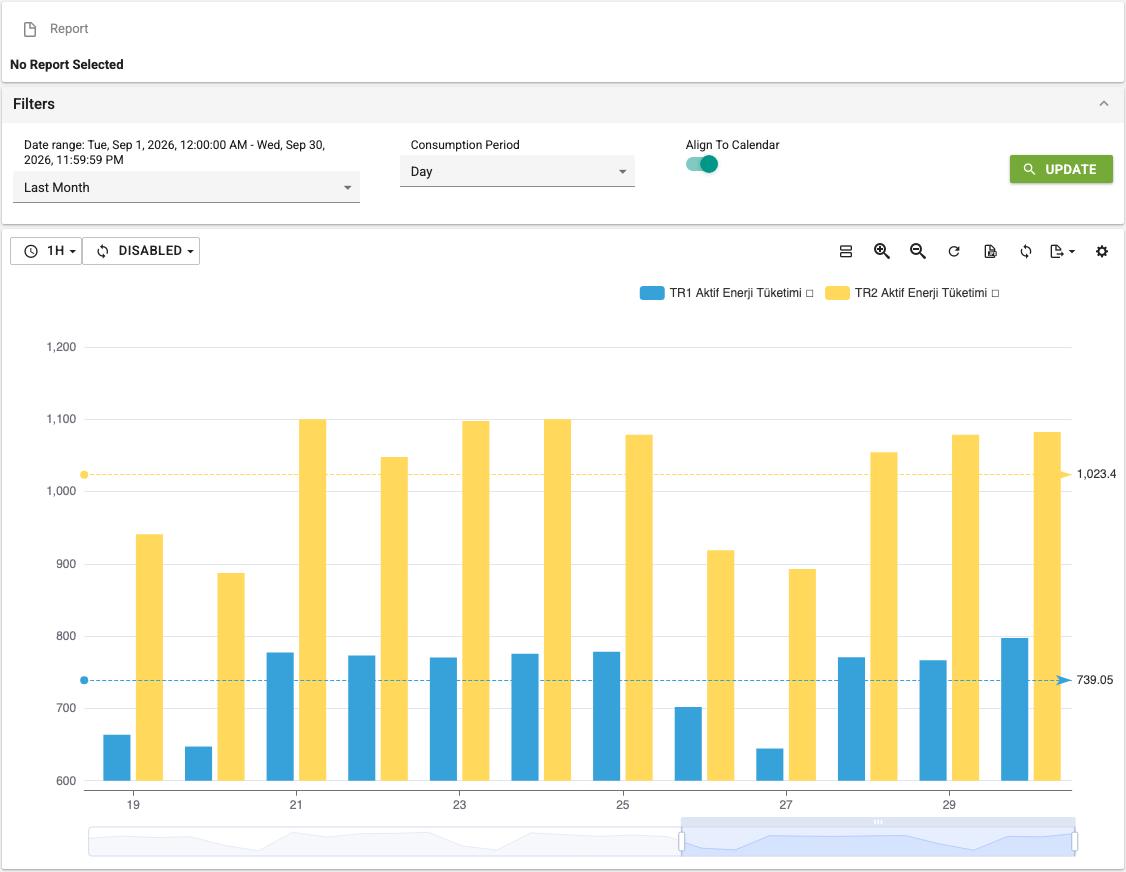
- Review historical data in trends; the archive retention period is set per tag.
- Archives and reports energy consumption per meter; can be used as a data source for an ISO 50001 energy management system.
- Monthly energy performance reports with the Energy Performance module (2.11.0 and later): measurement boundary, data quality, energy intensity relative to production and closed monthly reports.
Isometric and 2D plant screens
Screens are built for your project: isometric equipment drawings, a classic 2D plant layout, or both. The sample project includes both views: the isometric Overview landing page and the 2D Plant Layout.

Screen preparation
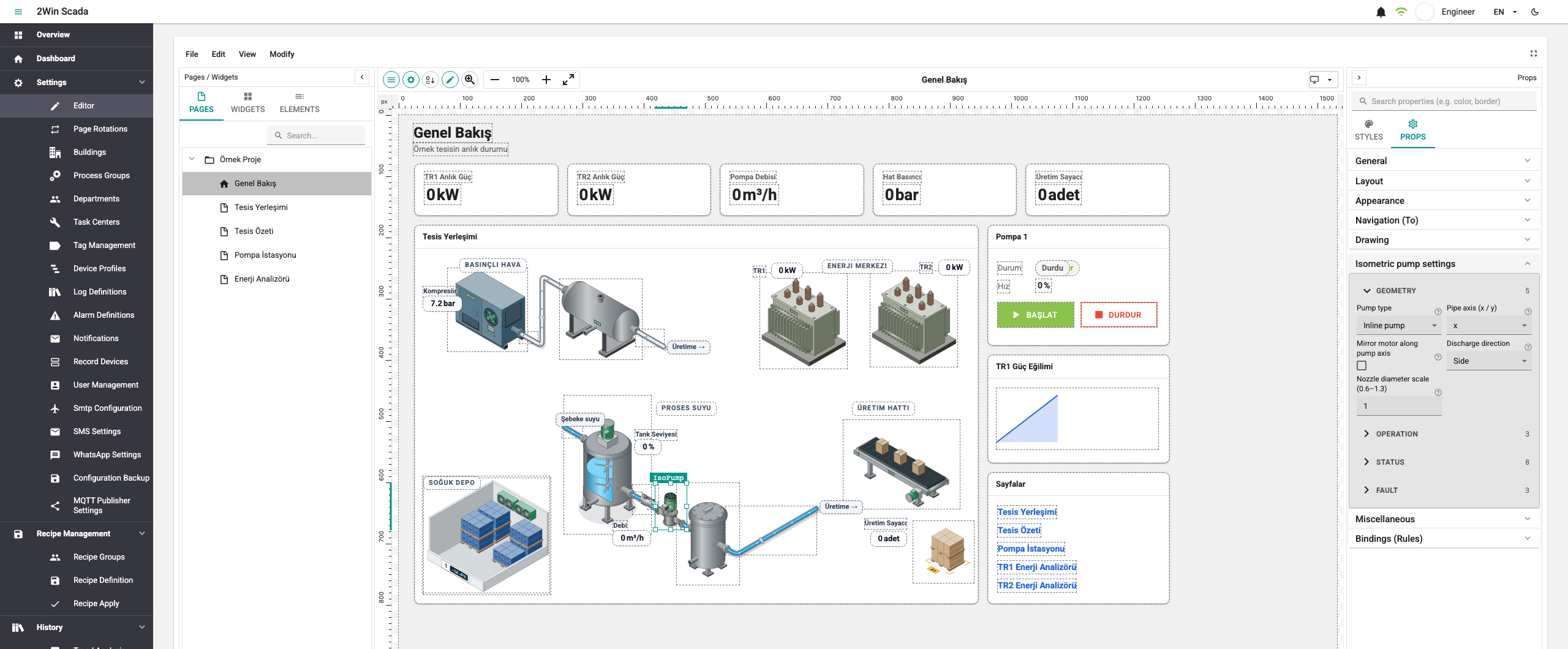
Screen editor
Pages are designed with widgets. Ready-made page templates and blocks can also be used. The screen editor is included in Professional (Page Designer module).
AI-assisted screen preparation
The 2WinScada MCP server lets the AI client of your choice read the existing structure, prepare a screen draft and have it validated without making changes. Your AI client carries out the review and approval steps. AI-assisted screen preparation is offered only in the Professional package.
Device connections
- Modbus and Siemens S7 are included in every package.
- BACnet/IP and MTConnect are included in Standard and Professional. Starter includes two of OPC UA, BACnet/IP and MTConnect.
- OPC UA, EtherNet/IP, MQTT, REST and database (ODBC) are included, partly included or can be added to your quote, depending on the package; the Licensing page lists the scope.
The Protocols page describes the scope of each protocol. Before the quote, we check with you whether the devices in your project are compatible.
See it before you decide
- In a demo meeting we show 2WinScada live with demo data. We go through your protocol list and screen needs together.
- Package scopes are shown clearly in the table on the Licensing page.
- Capacity is planned for your project; we share the hardware recommendation and capacity figures in the quote discussion.
Let's talk about your project
Fill in the form for a demo meeting or a quote. We review your needs and get back to you. Prices are included in the quote.